Fathom vs Otter vs Fireflies vs Granola: Meeting AI Buyer Guide
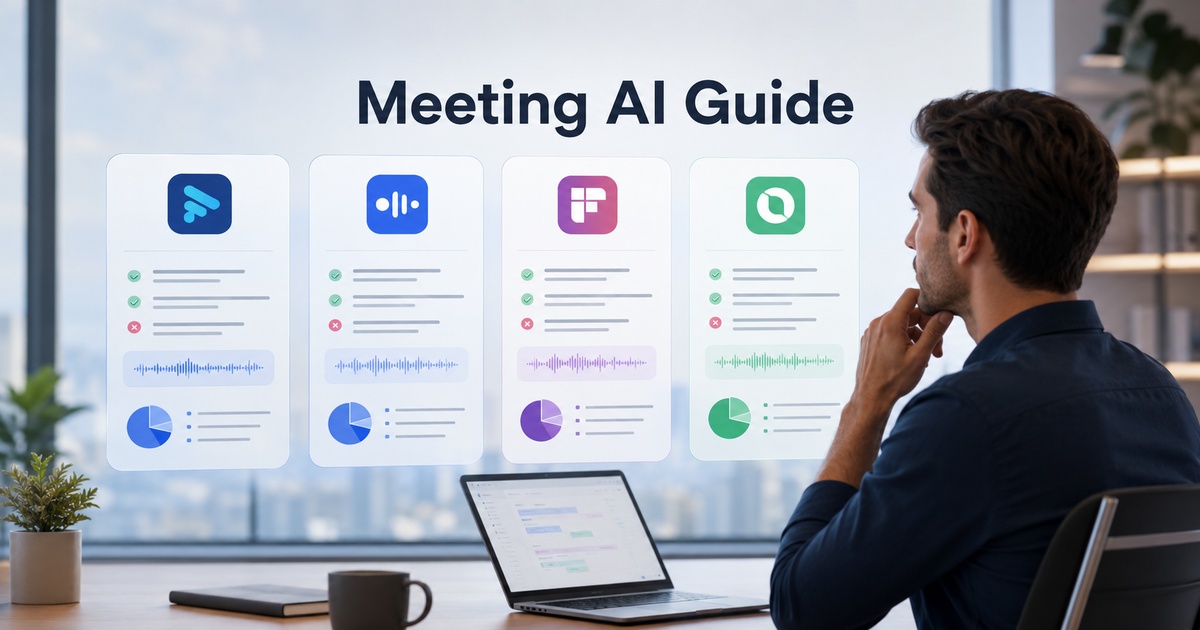
Meeting AI tools that record, transcribe, and summarise calls have gone from novelty to near-default, and Fathom, Otter, Fireflies, and Granola are among the names that come up most. They do broadly similar things, which makes choosing confusing, but they differ in how they capture meetings, how they fit your workflow, and the privacy posture they encourage. Picking well is less about transcript accuracy alone, which is good across the board, and more about how the tool fits how you actually work. Because these products move fast, this guide focuses on how they differ and how to choose rather than spec lists.
What meeting AI tools actually do
At core, these tools join or record your meetings, produce a transcript, and generate AI summaries with key points and action items, so you can be present in the conversation instead of scrambling to take notes. The better ones make the output searchable and push summaries and tasks into your other tools. Transcription quality is broadly strong now, so the meaningful differences are elsewhere: how the tool captures meetings (a bot that joins the call versus recording locally), how its summaries and workflow fit your needs, how it integrates with your stack, and how it handles the privacy and consent questions that recording inevitably raises.
The four, in brief
Broad, stable characterisations; confirm current features and pricing directly, as they change often.
Fathom
Fathom is widely known for recording and summarising calls with a clean, approachable experience and a generous free offering historically, appealing to individuals and teams who want solid summaries without complexity. It tends to suit people who want it to just work on their calls.
Otter
Otter has long focused on transcription and note-taking, including live transcription, and appeals to those who value the transcript and real-time notes heavily, in meetings and beyond. It is often associated with strong transcription roots.
Fireflies
Fireflies emphasises a meeting-assistant bot that joins calls, with transcription, summaries, search, and integrations aimed at teams wanting a connected system of meeting records across their tools. It leans toward team workflows and integration.
Granola
Granola is noted for a different capture approach that leans on the user’s own notes augmented by AI rather than primarily a bot joining the call, appealing to people who dislike a visible bot in every meeting and want a more private, personal note-taking feel. Verify its current capture method and platform support against your needs.
How to evaluate meeting AI tools
Look past transcription accuracy to the dimensions that actually shape daily use.
- Capture method: a bot that visibly joins the call, or local recording, or note-augmentation, each feels very different and has different privacy implications.
- Summary quality and format: do the summaries and action items match how you want to use them?
- Workflow and integrations: does it push notes and tasks into the tools you already use?
- Search and organisation: how easily can you find and reuse past meeting content?
- Privacy and consent: how it handles recording, data, and the consent recording requires.
Match the tool to how you meet
The right pick follows from your meeting style and priorities. If you want simple, reliable summaries that just work on your calls, an approachable individual-friendly tool fits. If the transcript and live notes matter most, a transcription-focused tool suits. If you want a connected team system of meeting records wired into your stack, an integration-heavy assistant fits. If you dislike a visible bot in every meeting and prefer a more private, note-augmenting approach, a tool built that way is worth a look. Trial the contenders on your real meetings, the feel differs a lot, and consider how the output will flow into action, which is where a deliberate meeting notes workflow matters more than the tool itself.
Privacy and consent matter
Recording meetings is not a neutral act, and the privacy dimension deserves real attention before you standardise on a tool. Recording laws and norms vary by region and require, at minimum, awareness and often explicit consent from participants, so understand the rules where you and your participants are, and make recording transparent rather than surreptitious. Consider how each tool handles your meeting data, where it is stored, whether it trains on it, how long it is retained, especially since meetings often contain sensitive or confidential information. A visible bot makes recording obvious to everyone, which some prefer for consent; a quieter approach feels more private but puts the onus on you to inform participants. Run any tool you are serious about through a proper security review, because meeting content is exactly the kind of sensitive data worth protecting.
A quick recommendation
If you want a shortcut rather than a full trial, a few rules of thumb help. If you mostly want reliable, low-effort summaries on your own calls, start with the most approachable, individual-friendly option. If your team needs a shared, searchable system of meeting records wired into your other tools, lean toward the integration-heavy assistant. If transcripts and live notes are what you value, a transcription-first tool fits. And if a visible recording bot in every meeting bothers you or your participants, look at the note-augmenting approach.
Whatever the shortlist, trial them on a week of your real meetings before standardising, because the day-to-day feel differs far more than the feature lists suggest, and the right answer depends on your meetings, your stack, and your comfort with how each tool captures.
Frequently asked questions
What is the difference between Fathom, Otter, Fireflies, and Granola?
They do broadly similar things, record, transcribe, and summarise meetings, but differ in capture and workflow. Fathom is known for simple, approachable summaries; Otter for strong transcription and live notes; Fireflies for a connected, integration-heavy team assistant that joins calls; and Granola for a note-augmenting approach that leans on your own notes rather than primarily a visible bot. Transcription is strong across all, so choose on capture style, workflow fit, and privacy.
Which meeting AI tool is most accurate?
Transcription accuracy is broadly strong across the major tools now, so it is rarely the deciding factor, accuracy varies more with audio quality, accents, and jargon than between leading products. Rather than chasing a marginal accuracy difference, choose based on capture method, summary quality and format, integrations, search, and privacy handling, and trial the contenders on your real meetings. How well the tool fits your workflow matters far more than small differences in transcription.
Do I need consent to use a meeting AI tool?
Often yes. Recording laws and norms vary by region and frequently require participant awareness and sometimes explicit consent, so understand the rules where you and your participants are located and make recording transparent rather than surreptitious. Beyond legal requirements, informing participants is good practice and builds trust. Also check how the tool stores and retains meeting data and whether it trains on it, since meetings often contain sensitive information. This is general guidance, not legal advice.

Written by gautam995576@gmail.com
AI automation editor focused on workflow design, tool selection, privacy checks, and operational clarity.
Related automation guides
Productivity Automations for Founders Who Do Not Have an Assistant
The productivity automations that act like a part-time assistant for solo founders, handling scheduling, follow-ups, and admin so you can focus on…
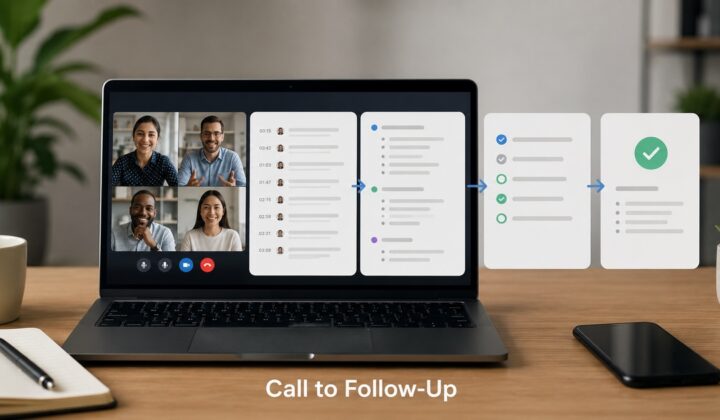
AI Meeting Notes Workflow: From Call to Follow-Up Task
How to turn AI meeting notes into action: a workflow that gets from call to clean summary to follow-up tasks, so decisions…